OPINION POLL
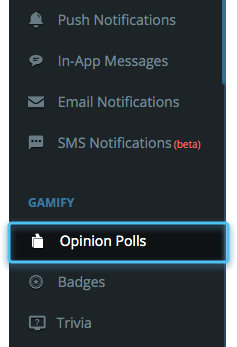
Step 1: Navigating to Opinion Poll
Navigate to Gamify and select opinion poll. Click the create button on top right corner to start creating a poll.
Step 2: Create a Poll
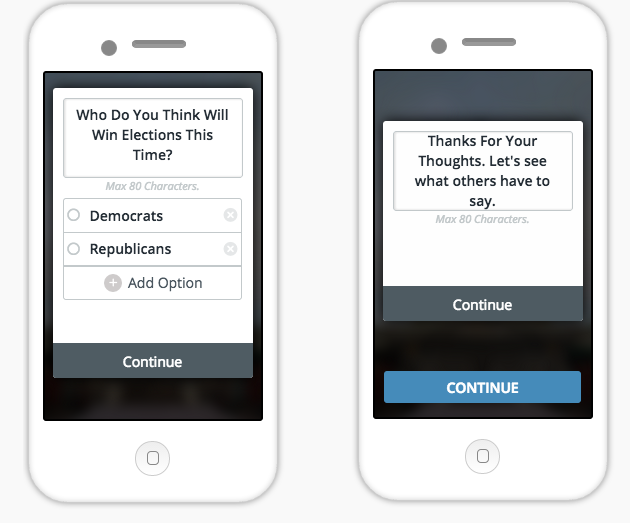
Fill in the first question of the poll and the options. Click on add options to add more options to your question. The UI specifications are fixed during SDK integration. Fill in the thank you message.
Step 3: Choose the Graph
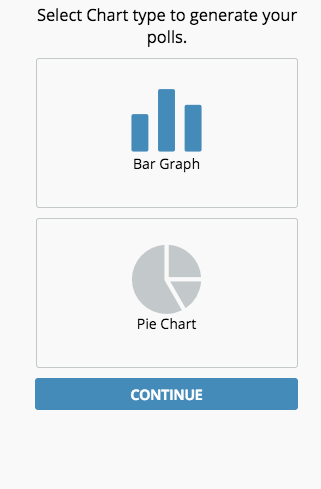
Select either bar or pie chart to show responses of the poll.
Step 4: Saving the Poll
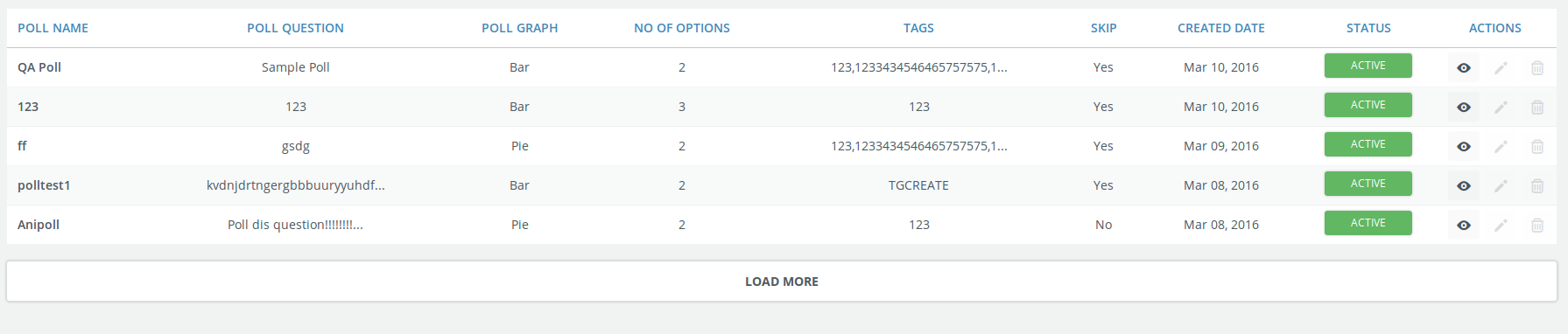
Step 5: Viewing Polls